As I have gotten older, something that I am trying to do more and more of is journal. Something I am trying to add to my journaling routine is something I am calling “Story of the Day”. This is a spin off of Matthew Dicks’ concept of “Homework for Life” from his book “Storyworthy”. The concept is to write down 1-2 sentences about the story of the day. A statement that highlights that day. The idea is this forces me to focus on the “little things” that might go unnoticed, but when I refer back to these stories, they are the ones that are going to have a story that goes along with them or a memory.
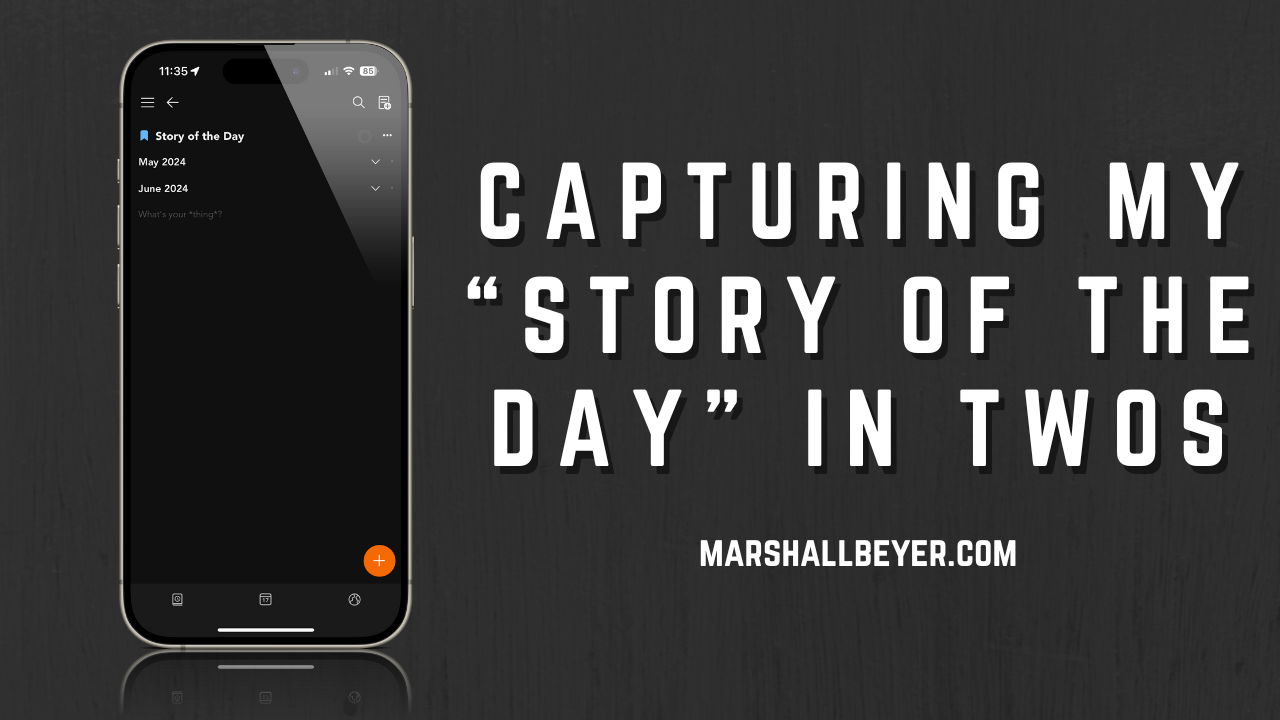
I decided to start writing down my stories of the day in my favorite place to write things down, Twos. In Twos, I created a list called, fittingly, Story of the Day. From there, I add today’s date and begin writing my story of that day. Sometimes, it is one sentence. Sometimes it’s three. It just depends. That’s the beauty of it for me. There is no requirement to write x amount of paragraphs or pages. I can simply write down what comes to my mind for that day. I bookmarked the list to make it easily accessible once I open Twos.
There was only one thing wrong with this setup. I had to remember to go into Twos to write down my story of the day. I was wondering if there was a way that I could remind myself to write down my story of the day. I could do something like set a daily alarm as a reminder. This would remind me to go into Twos to write down my story of the day. Then I thought to myself, “wouldn’t it be cool if I could automate this somehow?” So that is what I set out to do.
To achieve this, I used a combination of Shortcuts and another app called Pushcut. I first set up my Story of the Day shortcut. The way I have this shortcut set up is it will pull the current date and then add it to my Story of the Day list. Then I have it open that list. I used the Twos url scheme twosnotes://open?list={listid}.
Now, to get the list id, you need to go into Twos and begin to make a universal link. Once your list is open, click on the three dots in the top right-hand corner and choose “share list”. Don’t worry, we are not going to actually share the list. We just need to do this to get the list id.
From there we are going to choose “share universal link”. You will now see a pop-up window showing you your universal link. Copy the link and then close the window.
We are now going to go back to Shortcuts and add that link to our Add to Story of the Day shortcut. We are going to use an “Open URL” action to achieve this.
Now that we have our shortcut setup, lets head over to Pushcut. Once we are in Pushcut, we are going to create a new notification. We are going to give our notification a name. I called mine Story of the Day. Then we will customize what the notification will say. I gave my notification a title of Story of the Day and a message of “Tap here to add today’s Story of the Day”. I then went down and added a default action. This is the action that will take place once I tap on the notification. I want the shortcut to run right when I tap on the notification so I choose my shortcut I made in the previous step as the default action. After that I hit save. After saving the notification, I can now set my trigger. I want my notification to pop up daily at 9PM so I set it up accordingly.
Now, every day at 9PM, I get a Pushcut notification. Once I tap on it, it adds today’s date to my Story of the Day list and then opens that list. I can then go in a write today’s Story of the Day.